
JBD
AI video editor by Jabrod.
Bring your footage, music, images and context. Edit by hand on a full timeline, or direct JBD in plain words and refine everything it makes.
Inspector
JBD v0.1.0
Windows early release
The workspace
A familiar editor, with direction built in.
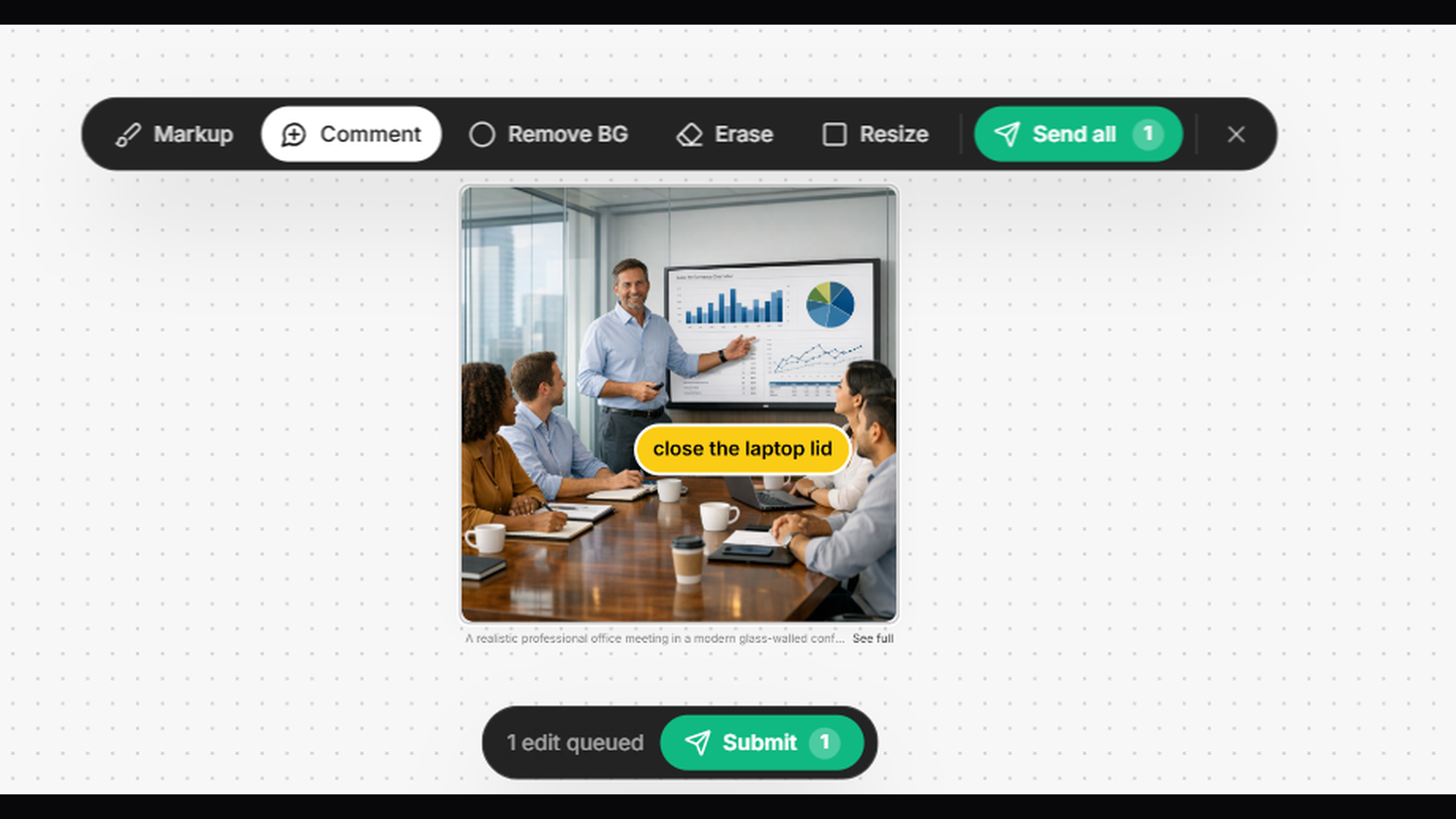
Inside v0.1.0
Direct it. Then edit every detail.
Director
Ask for a launch video, reel or cut. Director plans the edit, uses your media and shows one change you can keep or undo.
A real editor
Multi-track timeline, trims, splits, ranges, loops, speed, colour looks, transitions, audio and full-quality export.
Motion graphics
Editable titles, cards, counters, mockups and custom keyframe animation for position, size, rotation and opacity.
Edit on the frame
Select a visual directly, drag it into place, resize from a corner and use grids, guides and safe areas.
Speech and captions
Local transcription for English, Hindi and Hinglish workflows, with transcript-aware editing.
Built for output
Export from social formats to high-quality production codecs, with GPU encoding when your system supports it.
Download
JBD v0.1.0 for Windows
Windows 10 or newer, 64-bit. This is an early release: save important source files separately and send us anything that does not work as expected.
What's new
- • AI Director with project chat history, web research and media-library tools.
- • Motion graphics, custom keyframe animation and on-frame positioning.
- • Timeline ranges, clip looping, transitions, colour looks and expanded export controls.
System notes
Desktop editor · 64-bit Windows
- • Windows 10 or Windows 11, 64-bit.
- • 8 GB memory minimum; 16 GB recommended.
- • A modern graphics card is recommended for smoother editing and faster exports.
- • Internet is used for sign-in, Director and updates. Your project files stay on your computer.
Need help with an install or an edit? Contact the same support team available inside JBD.
contact@jabrod.com